Access More
with One Scan.
Give every vehicle, tool, or piece of equipment a label that connects your team to the details they need—right from their phone.
Software from $49/month. No per-asset software fees.
Print your own labels, or let Orbit print and install them.
One label.
The whole record.
This is what your team sees after a scan: status, location, mileage and the latest movement. Press the button to record a move and watch the ledger update — no live inventory is changed.
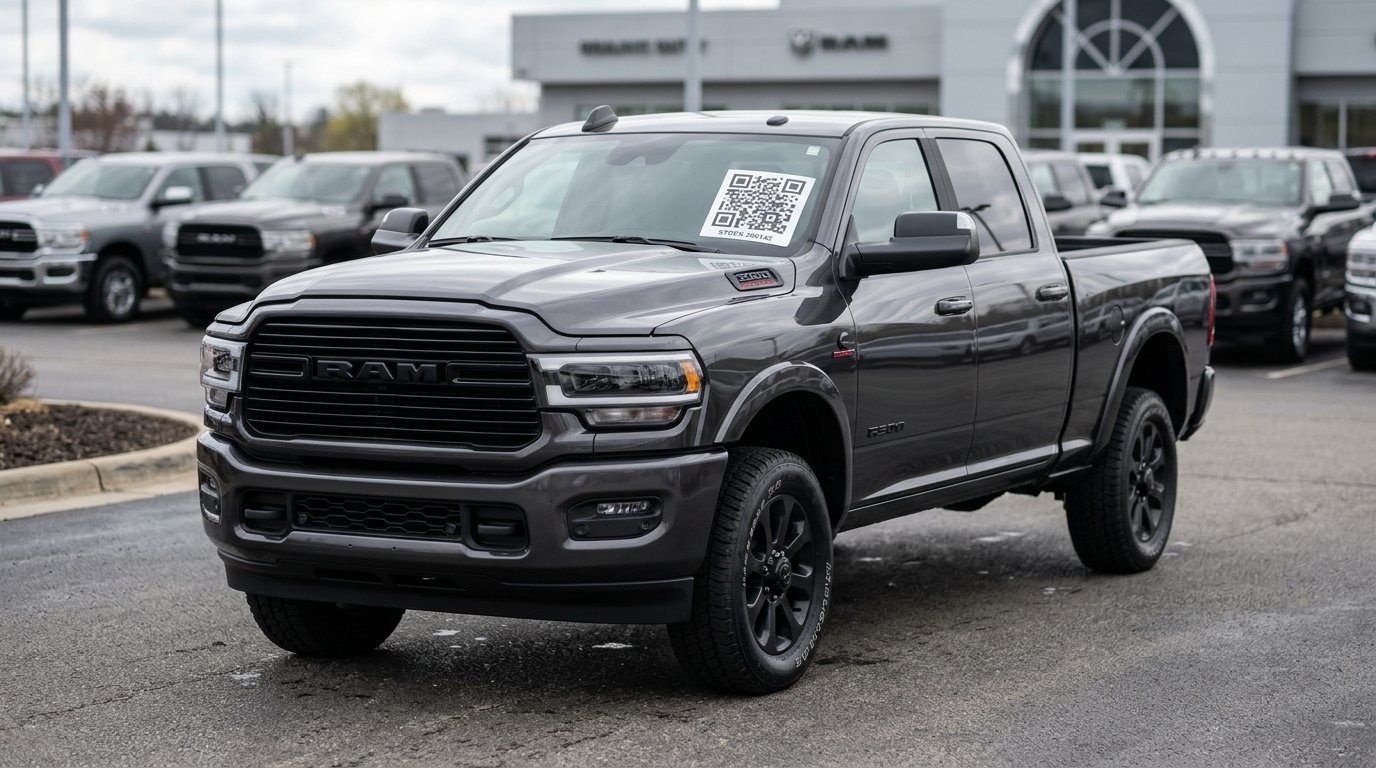
2026 Ram 2500
Sample interaction. No live inventory is changed.
 STOCK #260142
SCAN. LEARN. TRACK.
Your inventory shouldn't
slow your team down.
Replace faded writing, scattered records, and "who moved it?" conversations with a consistent way to find and update asset information.
Give every asset
its own starting point.
Apply a unique Orbit QR label. Print in-house, order printed labels, or arrange on-site installation.
Open the details
right where you work.
Use a phone to access the asset record, including its photos, documents, status, and recorded location.
Keep the next person
in the loop.
Record movement and keep a history of who moved the asset, where it went, and when.
Built around the things
your business moves.
From a dealership lot to a construction site, Orbit puts the right asset information within reach.
Start free with your industry preset ↗
Spend less time walking the lot.
Connect a vehicle label to stock information and movement history so your team knows where to start.
- ↗VIN, stock number, photos, and vehicle details
- ↗Recorded location and accountable transfers
- ↗Inventory imports and nightly website sync
The record behind the label
does the real work.
Details in one place
Industry-specific fields, photos, and documents help keep asset records complete.
A history you can follow
A movement ledger records user, location, and time for asset transfers.
Reports you can use
Review inventory and activity, then export reports to CSV.
Access for your team
Company accounts and user roles help control who can view and update records.
Every label we print, in one place.
Print any of these yourself from the QR Codes page on your own laser or thermal printer, or have us print, ship and install them. Pick sheet labels for the office printer, roll labels for a thermal printer.
Sheet labels
Office laser printer- 2" × 2"
Uline S-20177 2×2 sheet
Weather-resistant laser label — the standard square Orbit label for most assets.
- 3" × 1"
3×1 sheet (20-up)
Compact laser label for tools, parts, cases and small equipment.
- 4" × 2"
Uline S-5962 / Avery 5163 4×2 sheet
Logo and description on the left, large QR on the right — 10 per sheet.
- Grid
Plain-paper QR sheet
2–4 QR codes per row on plain paper for quick tags and temporary use.
Roll labels & signs
Thermal printer- 4" × 4"
4×4 thermal transfer
Big windshield and property label — multipurpose paper stock, wax or wax/resin ribbon.
- 2" × 2"
Uline S-21870 2×2 2-up roll
Industrial thermal transfer, two across — durable square label for equipment and vehicles.
- 3" × 1"
Uline S-18447 3×1 weatherproof roll
Polyester, resin ribbon — outdoor use on vehicles, trailers and lock boxes.
- Letter
Open House / Scan sign
Full-page “Scan for details” sign with a large QR for yard signs, lots and lobbies.
Orbit branded label designs
Ready-made "Scan to view asset" designs with your QR code, industry icon and field list — print them from the QR Codes page in 4×4 or the 4×2 vehicle card.
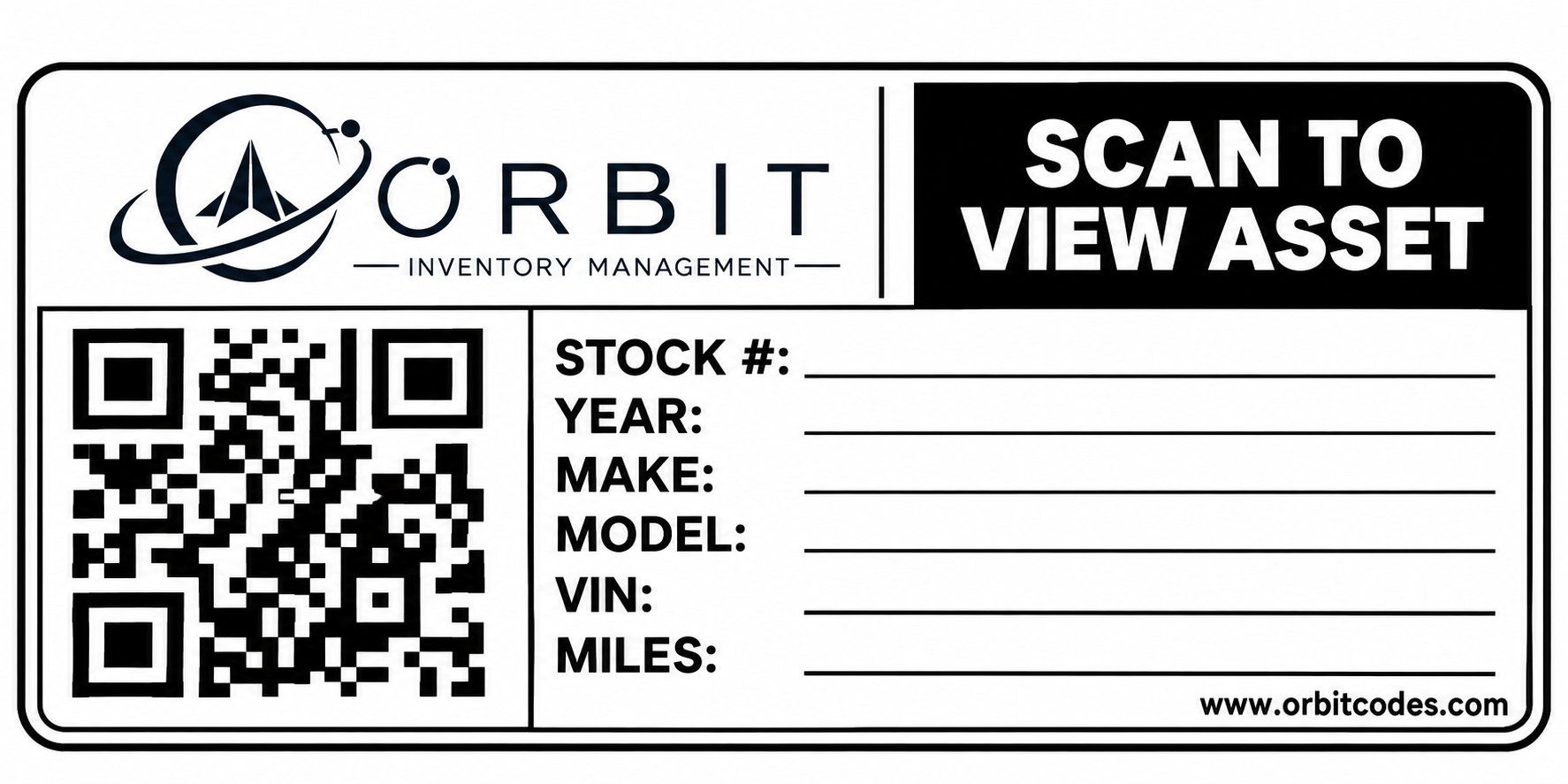
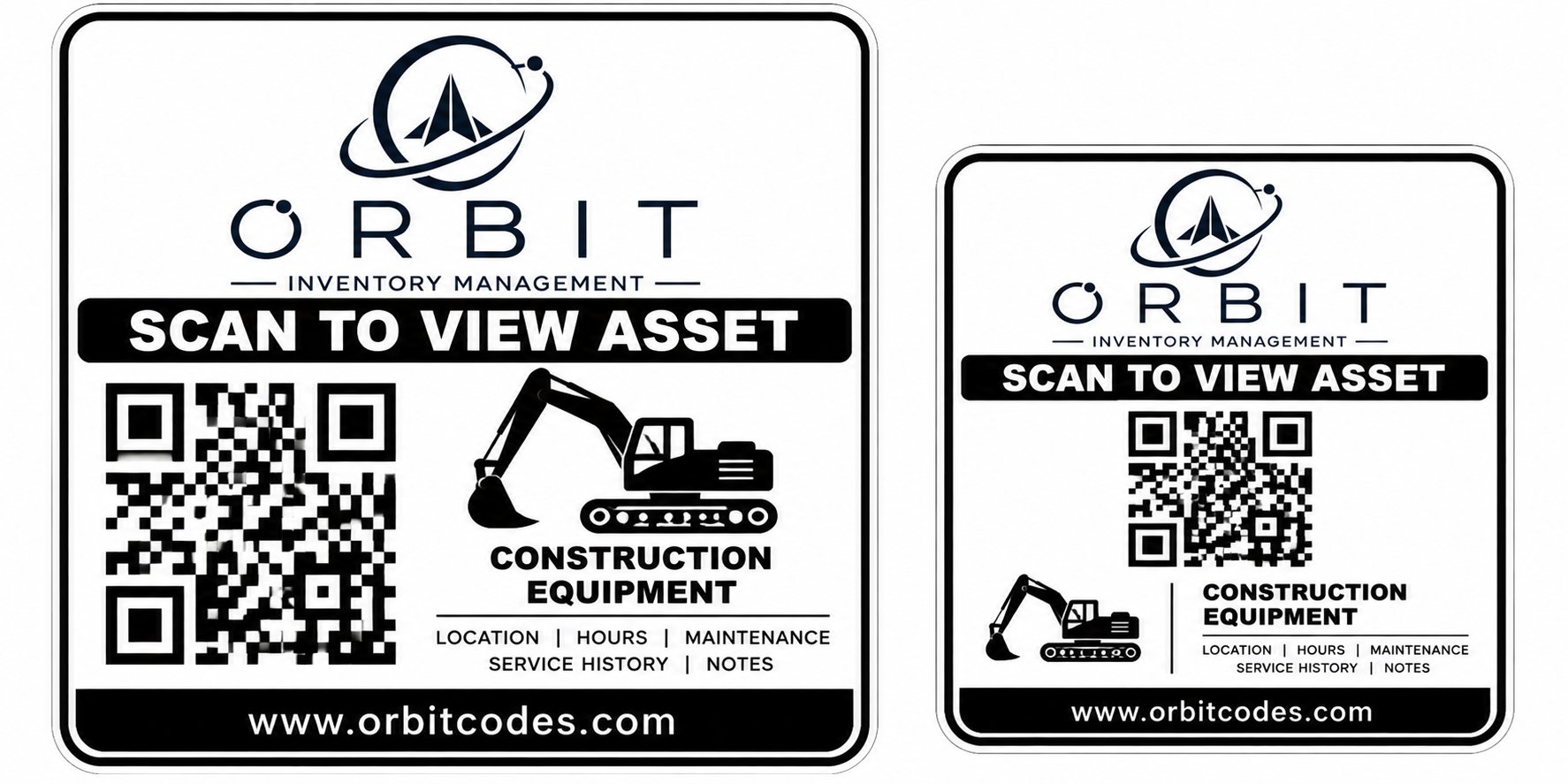
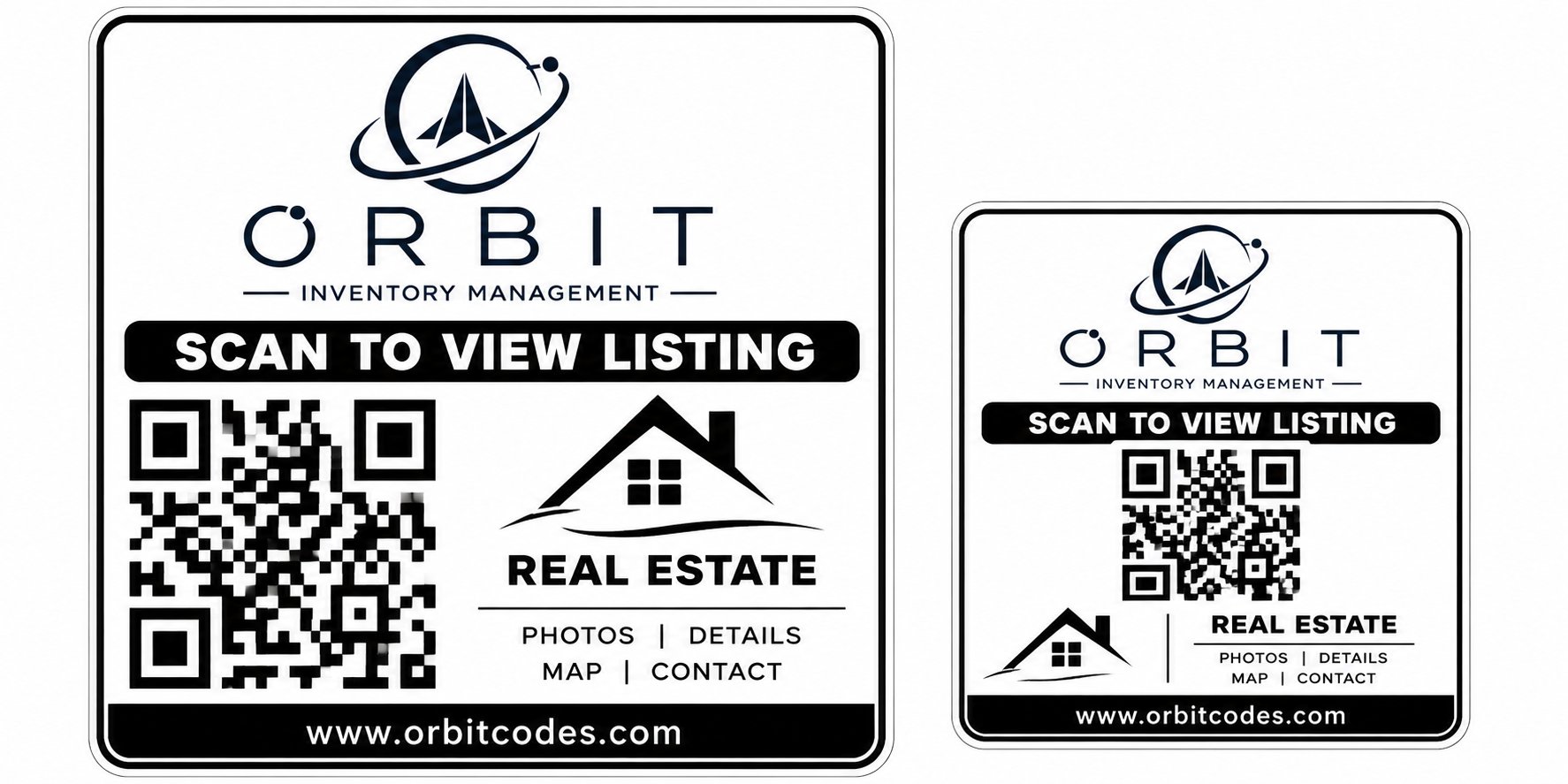
Print & Ship $1.00/label · Print & Install $3.99/asset · Volume on-site $2.99–$3.49/asset
Simple monthly software.
Flexible label services.
Choose software for your operation and the label service that fits your team. No per-asset software fees.
Compare plan features and terms ↗Basic
$49 / monthAn entry point for your inventory workflow.
Essential
$149 / monthExplore the next level of Orbit's plans.
Pro
$299 / monthReview features for your team's needs.
Enterprise
$499+ / monthTalk through your operation with Orbit.
Plan features, shipping, service area, and installation details are available on the full pricing page.
Not sure yet?
Just ask.
Send a quick note and we'll reply by email within one business day — no sales pressure. Prefer to talk? Call 337-359-5408.
A few useful answers.
A QR label connects to an asset record. Orbit's movement workflow records location updates and who made them. A QR label by itself is not a continuous GPS tracker.
See what Orbit could
simplify for your team.
Start with a 15-minute conversation about your inventory.
We use essential cookies to run this site and keep you signed in. With your consent we may also use analytics to improve the product. See our Privacy Policy.